Auth + Capture Payment
Last updated: 6/17/2026
Authorize and capture a payment in a single request.
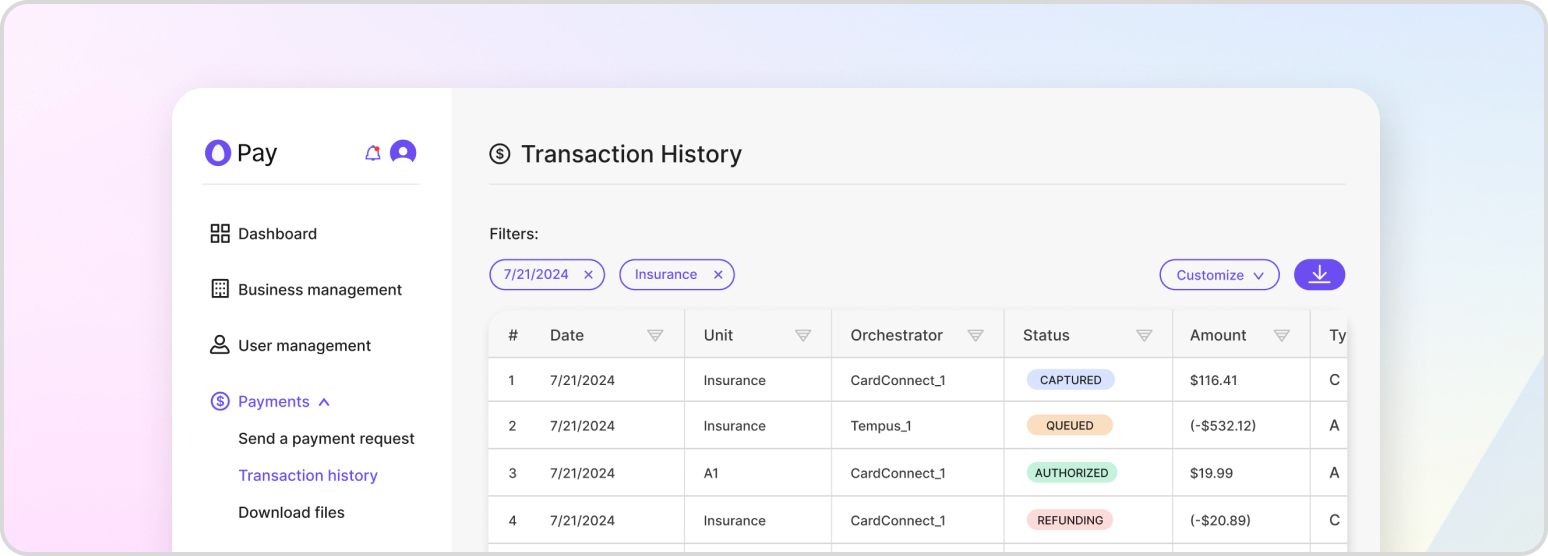
Once a customer’s credit card payment information reaches HatchPay, it is sent to the gateway configured on the business unit’s payment orchestrator. The gateway communicates with the customer’s bank to verify and move funds. There are two stages: authorization (checking and holding funds) and capture (settling and transferring them). You can perform these as separate steps or combine them into one request.
Authorization
During authorization the gateway confirms the payment method has sufficient funds and places a hold. If the funds are not available, the payment is declined. Learn more in Authorize Payment.
Capture
Capture settles a prior authorization, transferring the held funds to the merchant and completing the payment. Learn more in Capture Payment.
Authorize and Capture Together
When you want to charge the customer immediately, set capture to true. This authorizes and captures in a single request, which is convenient when you do not need to hold funds before settling.
To authorize and capture an existing pending transaction:
POST /v1/payment-proxy/transactions/{transaction_id}/complete
{
    "payment_details": {
        "payment_method": "CREDIT_CARD",
        "cc_token": "<CC_TOKEN>"
    },
    "business_unit_id": "7288e738-7a93-40ba-889f-3bdd37ab1d18",
    "payment_orchestrator_id": "f2977c8c-2a9e-4e72-b92d-edc15adf9447",
    "capture": true
}
To authorize and capture a brand-new transaction in one call:
POST /v1/payment-proxy/transactions/authorize
{
    "payment_details": {
        "payment_method": "CREDIT_CARD",
        "cc_token": "<CC_TOKEN>"
    },
    "transaction": {
        "payment_orchestrator_id": "7288e738-7a93-40ba-889f-3bdd37ab1d18",
        "transaction_items": [
            { "name": "Test Item", "amount": 100.00, "quantity": 1 }
        ],
        "merchant_id": "merchant-123"
    },
    "business_unit_id": "79772e73-7a93-40ba-889f-3bdd37ab1d18",
    "metadata": { "foo": "bar" },
    "capture": true
}
When authorize-and-capture succeeds the transaction moves directly to CAPTURED. If it fails, the transaction is marked CAPTURE_FAILED so you can investigate and retry.