API Key Management
Last updated: 6/17/2026
Create, read, rotate, and delete the API keys your integrations use.
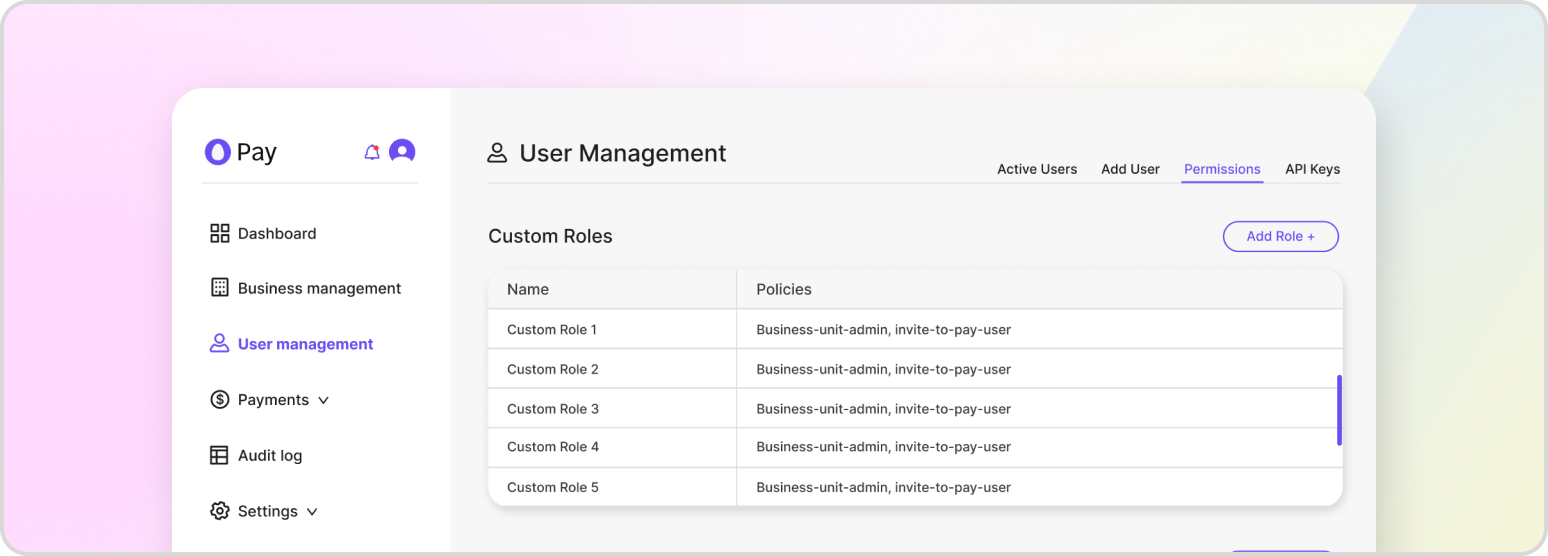
API keys let your systems authenticate to HatchPay without an interactive login. A caller with sufficient permissions can manage the keys registered to the tenant — creating new keys, reading existing ones, assigning their roles, and deleting them. Each key’s access is determined entirely by the roles attached to it, so scope keys to the least privilege their job requires.
Create an API Key
Create a key through the console or the API. The full request, including how to attach a role, is covered in Authentication.
POST /v1/api-key/keys
Read All API Keys
List every API key in your tenant:
GET /v1/api-key/keys
Read a Single API Key
Retrieve one key’s details by its identifier:
GET /v1/api-key/keys/{api_key_id}
Reveal an API Key’s Value
The secret value is masked on normal reads. To retrieve the full value again — for example, to reconfigure an integration — use the reveal endpoint:
GET /v1/api-key/keys/{api_key_id}/reveal
Assign a Role to an API Key
A key’s permissions come from its roles. Replace the set of roles assigned to a key:
PUT /v1/api-key/keys/{api_key_id}/roles
{
    "role_ids": [
        "ea13f326-8166-4687-9dec-16f76f183ced"
    ]
}
You can review the roles available to assign with GET /roles, and confirm the permissions a key holds with GET /v1/api-key/keys/{api_key_id}/permissions.
Delete an API Key
Deleting a key detaches all of its roles and immediately revokes its access:
DELETE /v1/api-key/keys/{api_key_id}
Permissions
Permissions are grouped into roles — for example, a viewer role limited to read-only access, or an admin role with full access. For the complete model of users, roles, policies, and permissions, see User & Role Management.
Managing API Keys from the Tenant Console
Inside of the “User Management” section of the tenant console under “API Keys”, API keys can be created, enabled/disabled, edited, and deleted. Note that the value for the API key is only visible from the interface after it’s created, and will need to be retrieved via the API if it isn’t properly stored.