Void a Payment
Last updated: 6/17/2026
Cancel an authorized transaction before it is captured.
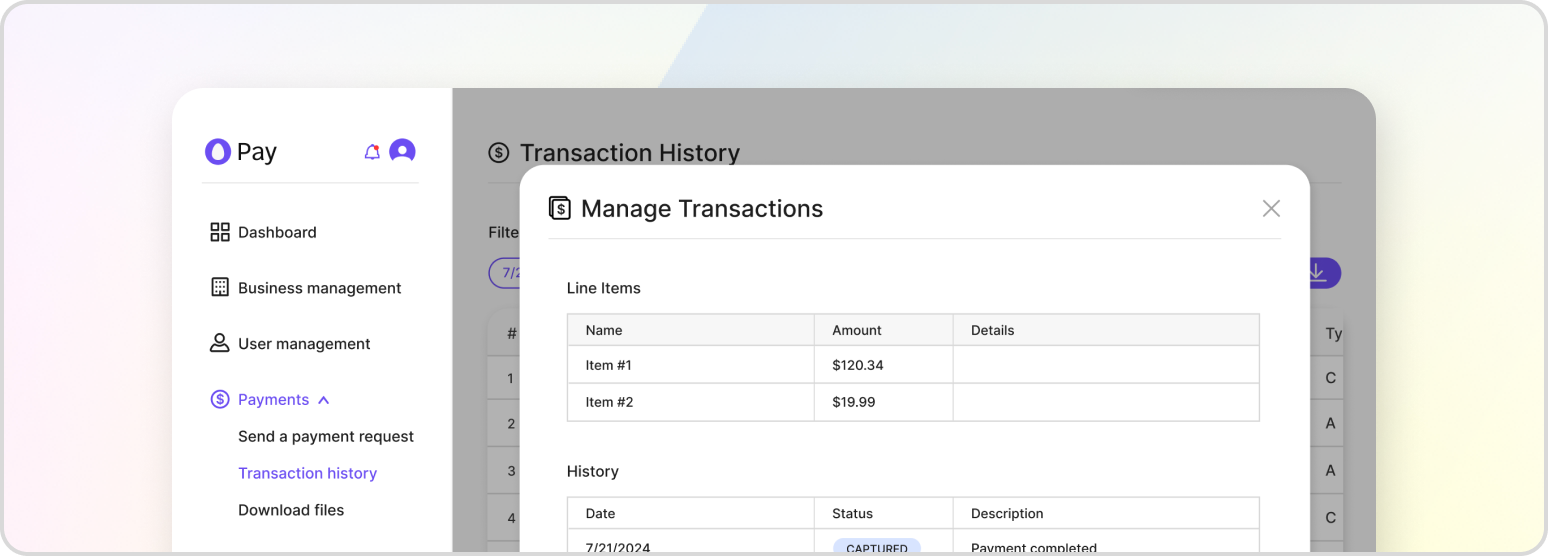
A void cancels an authorization before the funds have been captured, releasing the hold on the customer’s payment method. Because no money has moved yet, a void is the correct operation for an AUTHORIZED transaction. Once a payment has been captured, you must issue a refund instead.
Voids are processed by the Payment Proxy service and require the transaction:VoidTransaction permission.
Full Void
To void the entire authorization, set full_void to true. You may optionally provide a full_void_label (max 64 characters) to name the void line item recorded against the transaction. When full_void is true, do not include void_items.
POST /v1/payment-proxy/transactions/{transaction_id}/void
{
    "full_void": true,
    "full_void_label": "Order cancelled",
    "metadata": { "reason": "customer_cancelled" }
}
Partial Void
To void specific line items while leaving the rest of the authorization intact, set full_void to false (the default) and supply a void_items array. Each item uses the same shape as the original transaction items.
POST /v1/payment-proxy/transactions/{transaction_id}/void
{
    "full_void": false,
    "void_items": [
        {
            "name": "Add-on Warranty",
            "amount": 19.99,
            "quantity": 1,
            "metadata": {}
        }
    ],
    "metadata": { "reason": "item_removed" }
}
Response
A successful void returns the transaction identifier, the gateway response, and a status message.
{
    "transaction_id": "a8d664f8-1673-4f58-8e70-ffe278dd28a5",
    "gateway_response": { },
    "message": "Void processed successfully."
}
Depending on whether the whole authorization or only part of it was cancelled, the transaction moves to a VOIDED, FULL_VOID, or PARTIAL_VOID state, which you can confirm in the Transaction Log.