Create Transaction
Last updated: 6/17/2026
Recording a transaction is the starting point of HatchPay's payment flow.
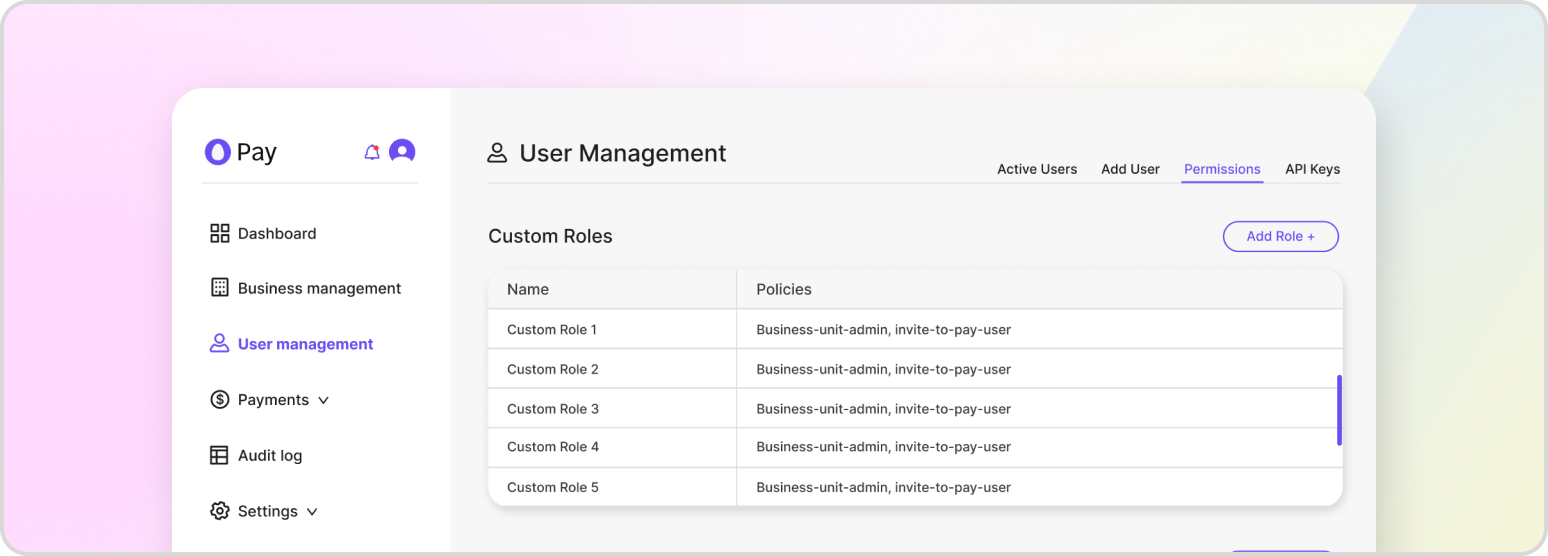
Creating a transaction records the customer and line-item details before any money moves. From there you can authorize and capture the payment, or send the customer an Invite2Pay link to collect their payment details themselves.
Creating a Non-Invite2Pay Transaction
A transaction requires customer_details, a transaction object (its payment_orchestrator_id and one or more transaction_items), and the business_unit_id it belongs to. Setting capture to false saves the transaction in a pending state without charging the customer. Alternatively, a payment can also be made by selecting “Take Payment” from the options in the tenant console, entering the details of the transaction, and selecting “Take Payment.”
POST /v1/payment-proxy/transactions
{
    "customer_details": {
        "first_name": "John",
        "last_name": "Doe",
        "email": "john.doe@example.com",
        "address": {
            "street": "1 Auto Club Dr",
            "city": "Dearborn",
            "state": "MI",
            "postal_code": "42816"
        }
    },
    "transaction": {
        "payment_orchestrator_id": "7288e738-7a93-40ba-889f-3bdd37ab1d18",
        "transaction_items": [
            {
                "name": "Test Item",
                "amount": 100.00,
                "quantity": 1
            }
        ],
        "merchant_id": "merchant-123"
    },
    "business_unit_id": "79772e73-7a93-40ba-889f-3bdd37ab1d18",
    "metadata": { "foo": "bar" },
    "capture": false
}
The response returns the new transaction_id, its transaction_status, and a shorthand_ref_id — a short, human-friendly reference you will see throughout the console and in EOD files.
Marking a Transaction as Invite2Pay
To collect payment details from the customer instead of supplying them yourself, set i2p to true. When you do, you must also provide a communication_type of SMS or EMAIL so HatchPay knows how to deliver the invite. The i2p flag defaults to false.
POST /v1/payment-proxy/transactions
{
    "transaction": {
        "payment_orchestrator_id": "7288e738-7a93-40ba-889f-3bdd37ab1d18",
        "transaction_items": [
            { "name": "Test Item", "amount": 100.00, "quantity": 1 }
        ]
    },
    "business_unit_id": "79772e73-7a93-40ba-889f-3bdd37ab1d18",
    "i2p": true,
    "communication_type": "EMAIL"
}
When i2p is true, the response includes an invite_link you can share with the customer. Similar to initiating a non-I2P payment, a payment can also be started by selecting “Take Payment” from the options in the tenant console, entering the details of the transaction, and selecting “Send Invite.” See Start an I2P Flow for the full Invite2Pay walkthrough.
Capturing a Transaction on Creation
If capture is set to true and payment_method is either CASH or CHECK, a transaction can be captured as soon as it’s created. In this scenario, it is assumed that the merchant and customer has physically exchanged the currency for the items and/or services being purchased. Learn more about capturing a payment in Capture Payment.