Authorize Payment
Last updated: 6/17/2026
Authorizing a payment is the first step in the transaction process.
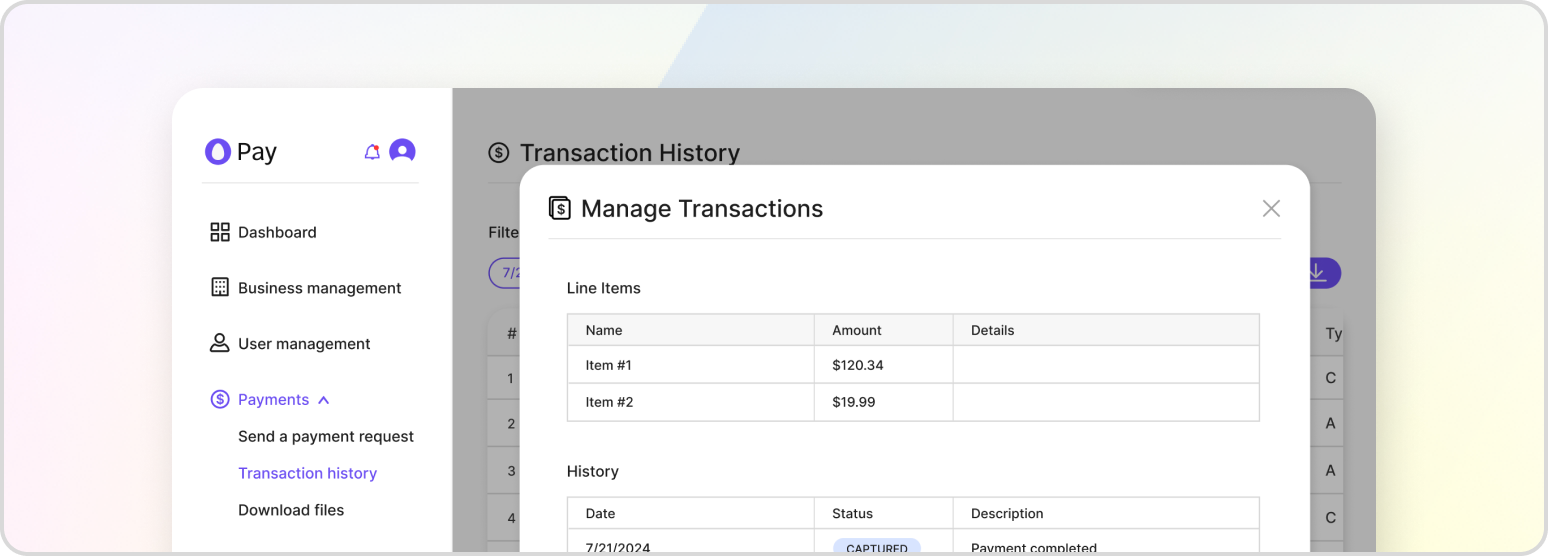
Authorization is the first step of the authorize-and-capture process. During authorization the customer’s bank checks the payment method for sufficient funds and signs of fraud, and places a hold on the amount. No money moves yet — the funds are captured in a later step. If authorization fails, the payment cannot proceed and the transaction is marked accordingly.
Note that authorization is only necessary when the transaction is being settled with a credit card. Physical currencies like cash and check do not require authorization, but they are still required to be captured.
Authorizing a New Transaction
If you have not already saved the transaction, authorize it in one call by sending the customer, payment, and transaction details together. Set capture to false to authorize without capturing.
POST /v1/payment-proxy/transactions/authorize
{
    "customer_details": {
        "first_name": "John",
        "last_name": "Doe",
        "address": {
            "street": "1 Auto Club Dr",
            "city": "Dearborn",
            "state": "MI",
            "postal_code": "42816"
        }
    },
    "payment_details": {
        "payment_method": "CREDIT_CARD",
        "cc_token": "<CC_TOKEN>"
    },
    "transaction": {
        "payment_orchestrator_id": "7288e738-7a93-40ba-889f-3bdd37ab1d18",
        "transaction_items": [
            { "name": "Test Item", "amount": 100.00, "quantity": 1 }
        ],
        "merchant_id": "merchant-123"
    },
    "business_unit_id": "79772e73-7a93-40ba-889f-3bdd37ab1d18",
    "metadata": { "foo": "bar" },
    "capture": false
}
The payment_details.payment_method may be CREDIT_CARD, ACH, CASH, or CHECK. Card payments require a cc_token; ACH payments require ach_account_number and ach_routing_number; checks require a check_number.
Completing a Pending Transaction
If you previously created a transaction in a pending state, supply the payment details to complete its authorization. Keep capture set to false to authorize only.
POST /v1/payment-proxy/transactions/{transaction_id}/complete
{
    "payment_details": {
        "payment_method": "CREDIT_CARD",
        "cc_token": "<CC_TOKEN>"
    },
    "business_unit_id": "7288e738-7a93-40ba-889f-3bdd37ab1d18",
    "payment_orchestrator_id": "f2977c8c-2a9e-4e72-b92d-edc15adf9447",
    "capture": false
}
A successful authorization moves the transaction to AUTHORIZED. From there you can capture the funds to complete the payment, or void the authorization to release the hold. To authorize and capture at once, see Auth + Capture Payment.